
If you need reservation, billing, or cancellation notifications sent to multiple email addresses, follow these steps to add more email addresses to your contact settings in the VacayHome Connect client portal.
- Click Settings in the left-hand navigation to open the Supplier Settings page.
- Click on Contacts to open the Contact settings.
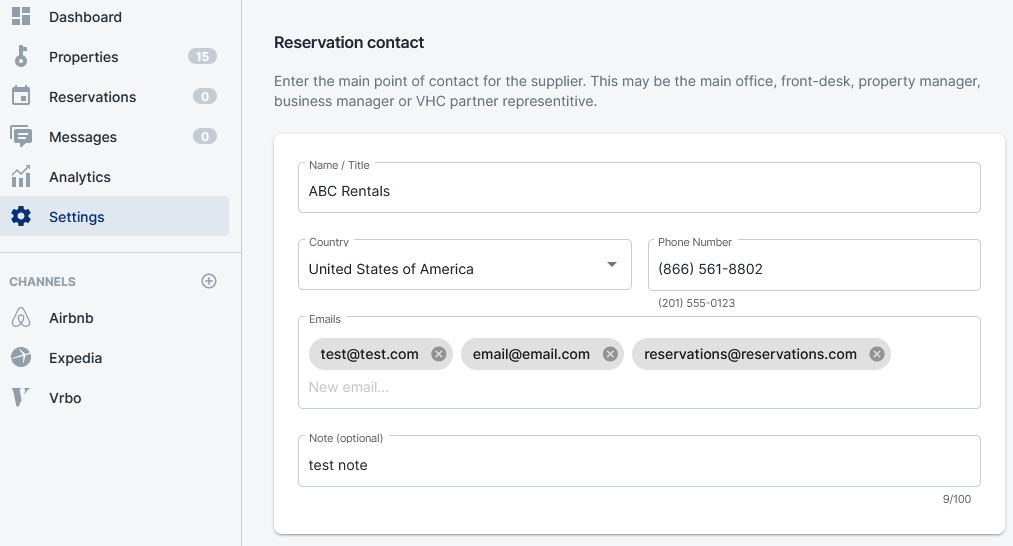
- In the Reservation contact settings, or other contact settings, type or paste an email address into the Emails field. Click the Tab key on your keyboard, this will set the email address. Then enter another email address. You can repeat this step as many times as you need to.
- Scroll down to the bottom of the page and click the Save button to preserve your changes.
Comments
0 comments
Please sign in to leave a comment.