
Now it’s easier than ever to export the data from the property list. After our May 11, 2022 release, to export your property data, simply go to the property list page and click the export icon to download all of your property data in one place.
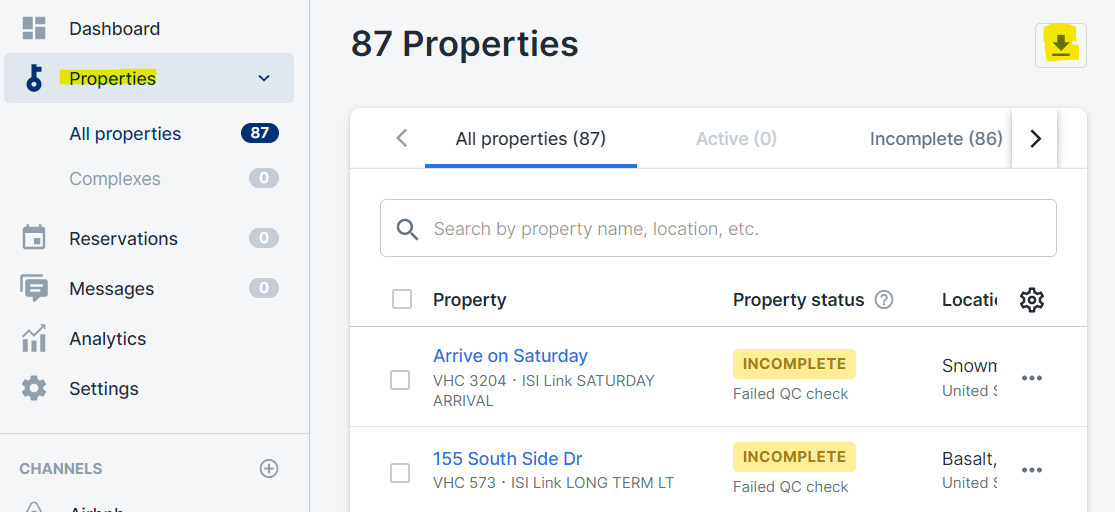
Follow these steps to download your property data:
- Click on Properties in the left hand menu to view the property list.
- Click the download icon
 in the upper right corner. This will initiate the download.
 - Open or save the file from your internet browser’s downloads section.
Comments
0 comments
Please sign in to leave a comment.