
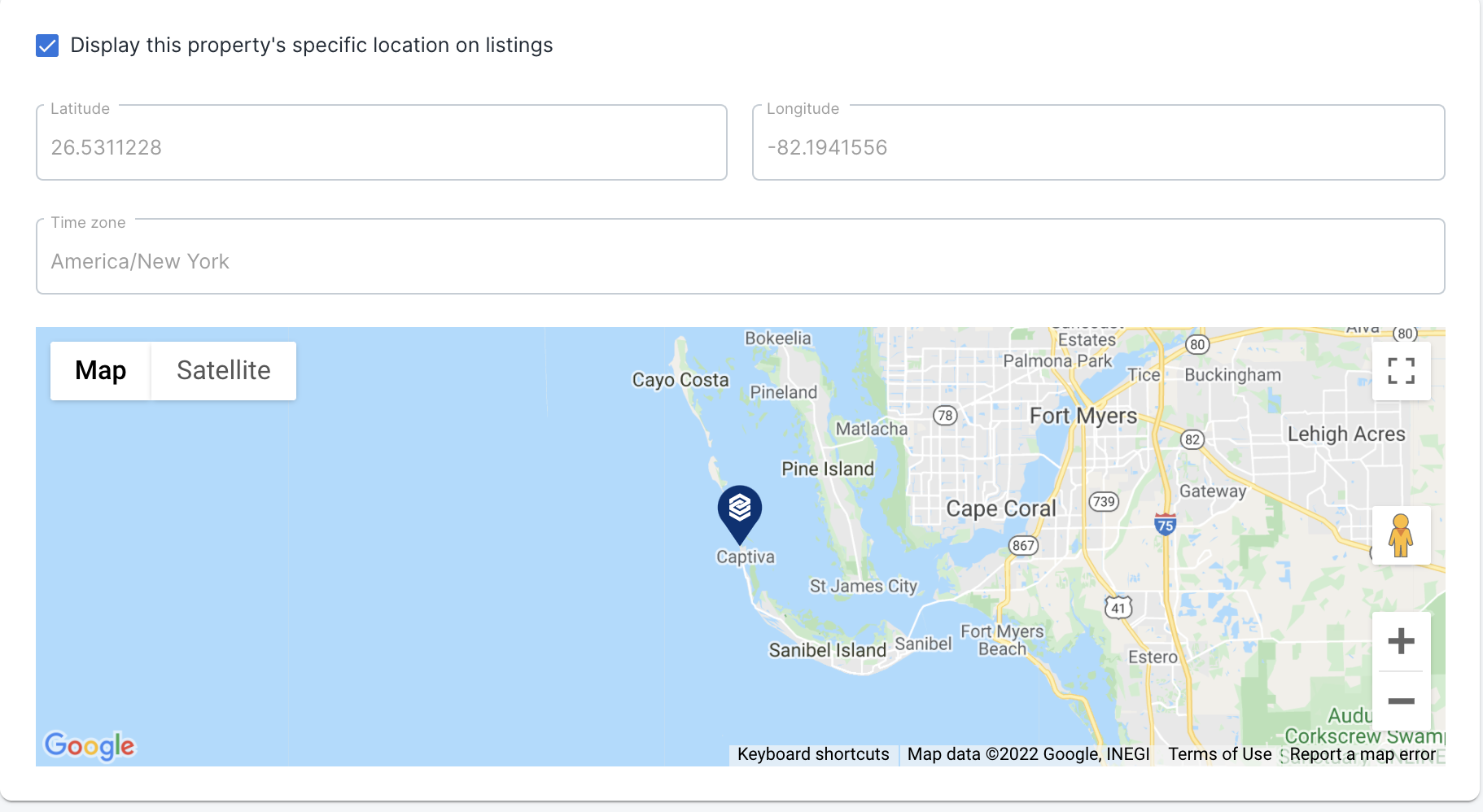
When viewing your properties' locations in the VacayHome Connect client portal your property's exact location will now be pinpointed on the map.
This makes it easy for you to see what location information is being fed out to the various distribution channels.
To see a property's pinned location:
- Click on Properties in the left hand menu of the client portal, to view your list of properties.
- Click on a property's name to open the property details.
- Click on Location to view the address details and map pin.
Comments
0 comments
Please sign in to leave a comment.